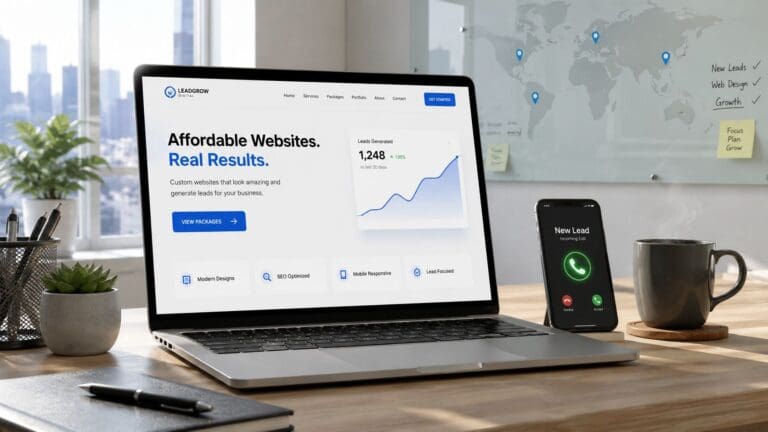

Does your website feel like a fancy paperweight? It looks nice, but it doesn’t do anything. You’re not alone. Lots of small businesses have a website that just sits there. It doesn’t bring in calls, fill up your calendar, or help you make more money. It’s a ghost town.
The good news? You don’t need a super expensive website to fix this. You just need a smart one. A website that works hard to find you new customers, even while you’re sleeping. You need a Lead Machine.
This guide gives you the simple plan. Forget confusing tech talk. We’ve packed this list with 10 easy small business website design tips that will make your phone ring. We’ll show you, in plain English, how to make your website a magnet for local customers, get found on Google, and collect more 5-star reviews.
Each tip is a simple step you can take today. It’s way easier than you think, and you can totally do it. Let’s get started and turn that website into a customer-finding machine!
1. Make it Work on a Phone (Mobile-First)
Most of your customers are looking for you on their phones. If your website is hard to use on a small screen, they’ll just leave. Poof! Gone. A “mobile-first” design means your website is built for a phone first, then for a bigger computer screen. This is super important because Google loves websites that work well on phones and shows them to more people.
If you’re a plumber and someone has a flooded basement, they need your number NOW. They don’t have time to pinch and zoom to find it. A website that loads super fast with a big, easy-to-tap “Call Now” button will get the job. A slow, clunky one won’t. Your website has to be fast, or you’ll lose customers to the competition.
How to Make it Happen
Making your site fast and phone-friendly is easier than you think. You can do this!
Here are a few easy things to do:
- Make buttons big: Make sure your phone number and other buttons are big enough for a thumb to tap easily. No fat-fingering allowed!
- Shrink your pictures: Big pictures make your site slow. Use a free online tool to make them smaller before you upload them. It’s a game-changer.
- Put important stuff first: Your phone number and what you do should be at the very top of the page. No scrolling required!
- Keep it clean: Get rid of any old, slow stuff on your website that you don’t need. It’s like cleaning out the garage for your website.
Doing this helps your website become a lead machine instead of a headache. And if you need a hand, we can help!
2. Show Up in Your Town (Local SEO)
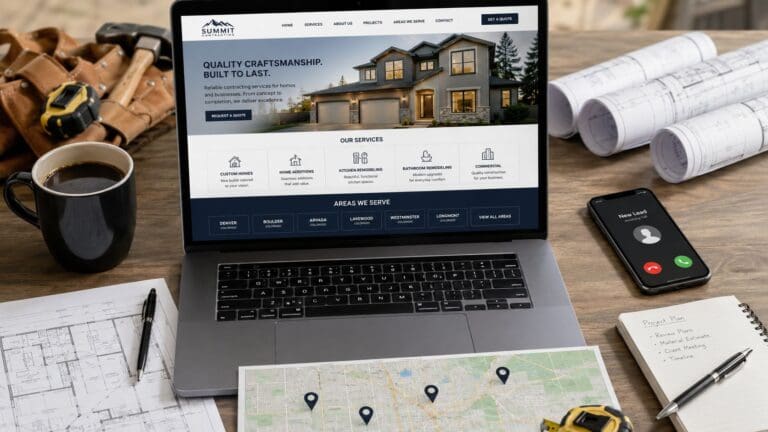
Your customers aren’t just searching for “plumber.” They’re searching for “plumber near me” or “plumber in [Your Town].” To show up on Google for these searches, you need to tell Google exactly where you work. This is called local SEO. Making a separate page on your website for each town you serve helps you show up on Google Maps and get found by local customers.
Imagine a roofer who has a page for “roofing in Columbus,” another for “roofing in Dublin,” and one more for “roofing in New Albany.” They will get way more calls than a roofer with just one generic page. This is how you own your local area and get calls from people who are ready to hire you.
How to Make it Happen
Making these pages is pretty simple. You can start with just one or two main towns and add more later. You’ve got this!
Here are a few tips to get started:
- Write something new: Don’t just copy and paste the same words and change the city name. Mention a local park or street to show Google each page is special.
- Show your local work: Add pictures of jobs you’ve done in that specific town. It proves you really work there!
- Add a map: Show a map of the area you cover so people know right away if you can help them.
- Link it up: Link your new town pages back to your main service pages (like linking “Roofing in Dublin” to your main “Roofing” page).
This is a big part of local SEO for contractors and will make your phone ring with local jobs. We can help you set this up to work like magic.
3. Tell People What You Do (Clear Headline)
When someone lands on your website, you have about three seconds to make them stay. A good headline tells them right away what you do and why you’re the best choice. This is a super important website design tip because it stops people from leaving and makes them want to learn more. No more confusion!
Instead of a boring headline like “Roofing Services,” try something like: “Trusted Roof Repair for Central Ohio Homeowners – Fast, Fair & Guaranteed.” See the difference? One is sleepy, and the other is a customer magnet. It tells people exactly what they want to hear. This simple change can turn your website into a real lead machine.
How to Make it Happen
Writing a great headline is easier than you think. You can do it! Just think about what your customer needs and tell them you have the answer.
Here are a few easy tricks:
- Talk about the good stuff: Instead of “We have 20 years of experience,” say “20+ Years of Leak-Free Roofs.” The first is a fact; the second is a promise of a good result.
- Add your location: Put your town or county right in the headline (e.g., “Emergency Plumbing in Miami-Dade County”) to help with your local SEO.
- Keep it short and sweet: Get your main point across in about 10 words. Be direct.
- Show, don’t just tell: Right under your headline, add things like “Licensed & Insured,” “500+ 5-Star Reviews,” or “24/7 Service.”
4. Show Off Your 5-Star Reviews
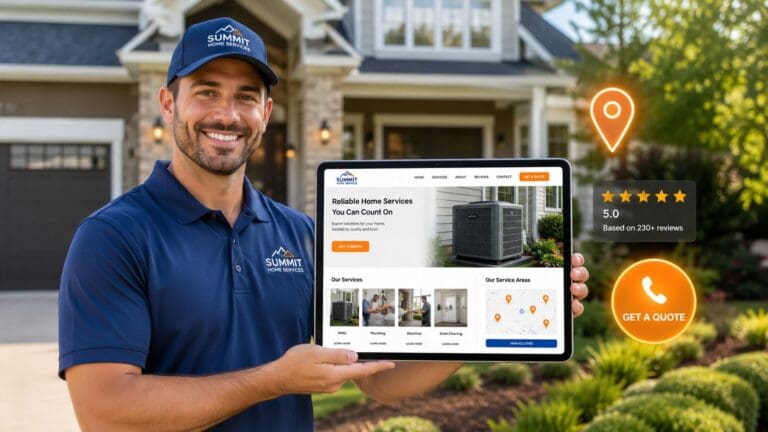
Your happy customers are your best salespeople. Showing their good reviews on your website builds trust with new customers. One of the best small business website design tips is to have a system that automatically asks for and shows off your 5-star reviews. This turns your website into a trust-building powerhouse that makes people want to call you.
For a local business, trust is everything. A landscaper with lots of good reviews will get more calls than one with none. It’s that simple. Having lots of 5-star reviews makes you the obvious choice and can bring in 3 to 4 times more leads from Google. That’s the difference between a busy schedule and no work.
How to Make it Happen
You can easily set up a system to get more reviews. The trick is to ask for a review right after you finish a job, when your customer is happiest. You can do this!
Here are a few simple steps:
- Ask right away: Send a quick text or email with a review link as soon as the job is done.
- Make it easy: Use one link that takes them straight to your Google review page. No hoops to jump through.
- Show them off: Put your best reviews right on your homepage where everyone can see them.
- Always say thanks: Reply to every review, good or bad. It shows you care.
We can help you set up an automatic 5-star review generation system that does all the work for you.
5. Have a Big, Obvious “Call Now” Button
A “call-to-action” (or CTA) is a big button that tells people what to do next, like “Call Now” or “Get a Free Quote.” Think of it as your website’s friendly salesperson. A good button guides customers to contact you. This is one of the most powerful website design tips because it turns a person just looking into a person who is calling you for a job.
For a local business, having a button right at the top of the page (where you don’t have to scroll to see it) can get you 2-3 times more calls. A bright green button that says “Get a Free Quote Today” will get way more clicks than a tiny little “Contact Us” link at the bottom of the page. Make it super obvious how people can hire you!
How to Make it Happen
Making buttons that people actually click is easy. The goal is to make it impossible to miss. You got this!
Here are a few easy tricks:
- Put it at the top: Your main button should be one of the first things people see.
- Use action words: Instead of “Submit,” use exciting words like “Get My Free Quote!” or “Call for Same-Day Service!”
- Make it stand out: Use a bright color like orange or green for your button so it pops off the page. It’s like a neon sign for your business.
- Make it follow you: Have a button that “sticks” to the top or bottom of the screen as people scroll. That way, your phone number is always right there.
6. Have a Page for Each Service
A messy “Services” page with a long list of things you do is a bad idea. It’s confusing! Instead, give each of your main services its own page. This is a great website design tip because people search for specific things. Having a page for each service helps you show up on Google and builds trust with customers.
Think about it. Someone looking for “septic installation” wants to see a page all about that, not a list of 20 other things you do. A business with separate pages for ‘Excavation,’ ‘Land Clearing,’ and ‘Grading’ will get way more calls. On each page, you can explain what you do and show pictures of your work.
How to Make it Happen
Making these pages is pretty simple, and you can totally do it. Think of each page as a mini-salesperson for that one service.
Here’s how to build great service pages:
- Explain how it works: Break down what you do into simple steps. This makes customers feel more comfortable.
- Show your work: Use before-and-after pictures or videos of jobs you’ve done. Pictures are proof that you do good work!
- Answer questions: Talk about common questions like cost, how long it takes, and why you’re the best.
- Add a big button: End each page with a clear next step, like “Get Your Free Quote” or “Call Us Now.”
7. Look Like a Pro (Professional Design)
A professional-looking website tells customers that you’re a serious business. This means using the same colors, logo, and style everywhere. When a customer sees the same look on your website, your truck, and your Facebook page, it builds trust. They know you’re the real deal, not some fly-by-night operation.
People are trusting you with their home or property, so a messy, old-looking website can scare them away. But a clean website with great pictures of your work builds trust right away. A good-looking site gets more leads simply because it looks more trustworthy.
How to Make it Happen
You don’t need to be a fancy designer to have a professional-looking site. Just follow a few simple rules. You can do this!
Here are a few easy wins:
- Show off your best work: Use real pictures of your jobs, not cheesy stock photos. Let people see the great work you do.
- Pick a few colors: Choose two or three main colors and stick with them. This makes your site look clean and organized.
- Use easy-to-read words: Pick one or two simple fonts and use them for all your text.
- Give it room to breathe: Use plenty of empty space (white space) around your words and pictures. This makes your site look calm and easy to read.
8. Get Your Business on Google Maps
Your Google Business Profile is that little box with your info that shows up on Google Maps and in search results. For a local business, this is a lead-generating machine. It’s like a free billboard right where people are looking for you. When you fill it out completely and link it to your website, you’ll show up higher in local searches and get more calls.
A complete Google profile can be the difference between getting found and being invisible. For example, a landscaper with lots of pictures and good reviews on their profile will get way more calls than one with just a name and phone number. It shows Google you’re a real, active business.
How to Make it Happen
Fixing up your Google Business Profile is easy and one of the best free things you can do to get more customers. You’ve got this! The goal is to fill out every single part of it.
Here’s how to turn your profile into a lead machine:
- Be perfect: Make sure your business name, address, and phone number are exactly the same on Google and on your website. No typos!
- Show off your work: Upload at least 15 good pictures of your team, your equipment, and your finished jobs.
- Post updates: Use Google Posts to share updates about your work or special offers. This keeps your profile looking fresh.
- Get 5-star reviews: Ask every happy customer for a review and reply to every single one. It shows you care.
9. Make it Easy for People to Contact You
Your website is a lead machine, but only if you give people an easy way to get in touch. A lead capture form is a simple box where a customer can type in their name and phone number. When you connect these forms to your phone, you get a message right away. This is a super important website design tip because a simple form can turn a visitor into a customer.
For a busy contractor, a long, complicated form is a big no-no. But a simple form asking for a name, phone number, and what they need help with is perfect. The easier you make it, the more leads you’ll get. It’s that simple. Don’t make them work to give you work!
How to Make it Happen
Making a form that gets you leads is easy. The goal is to get just enough info to call them back.
Here are a few quick tips:
- Keep it short: Ask for 3-5 things max. Name, phone number, and what they need is usually enough.
- Make the phone number a must: Emails can wait. A phone number lets you call them back right away.
- Put forms everywhere: Put a form on your homepage, at the bottom of your service pages, and even in a header that follows people as they scroll.
- Get instant alerts: Set up your forms to send you a text message right away so you can call new leads back in minutes.
10. Grow into New Towns with More Lead Machines
Ready to grow your business into nearby towns without opening a new office? You can do this by building a network of city-specific web pages and Lead Machines. This is one of the smartest website design tips for businesses that want to be the boss of their whole region, not just one town.
Think of it this way: a plumber in Columbus can start getting jobs in nearby towns like Delaware and Dublin by building special pages for those areas. This helps you show up in local searches and pull in great jobs from all over. You can even use Google Ads or Facebook Ads to test the waters in a new town before you go all in.
How to Make it Happen
Building your own little empire is simpler than you think. You can do this! Start by picking the towns you want to expand into.
Here are a few quick wins:
- Start close to home: Begin by making pages for towns where you’ve already done some work.
- Make each page special: Don’t just copy and paste. Mention local stuff and add testimonials from customers in that town to build trust.
- Test with ads: Use Google Ads or Facebook Ads to see if a new town is a good place to find customers. If the ads work, then it’s time to build a full Lead Machine for that area.
- See what’s working: Keep track of where your best jobs are coming from so you know where to focus.
We can help you build a Lead Machine network that makes growing your business simple and smart.
10-Point Small Business Website Design Comparison
| Item | How Hard Is It? 🔄 | What Do You Need? ⚡ | What Do You Get? 📊 | Good For… 💡 | Biggest Win ⭐ |
|---|---|---|---|---|---|
| Make it Work on a Phone | Hard 🔄 — needs a pro | A little time/money ⚡ | More leads from phones, better Google rank 📊 | Businesses with customers on the go | Better Google rank, more calls ⭐ |
| Show Up in Your Town (Local SEO) | Medium 🔄 — need to write stuff | Some writing time ⚡ | Show up on Google Maps, get local calls 📊 | Businesses serving multiple towns | More local customers, beat competition ⭐ |
| Tell People What You Do | Easy 🔄 — just needs some thought | A little writing time ⚡ | People stay on your site, more calls 📊 | All businesses! | People know they’re in the right place ⭐ |
| Show Off Your 5-Star Reviews | Medium 🔄 — needs a system | A review tool ⚡ | More trust, more calls, better Google rank 📊 | Businesses that rely on trust | Build trust fast, get more calls ⭐ |
| Have a Big, Obvious “Call Now” Button | Easy 🔄 — simple design change | A little design time ⚡ | Way more calls and emails 📊 | All businesses that want leads | More calls and leads right away ⭐ |
| Have a Page for Each Service | Medium 🔄 — need to write more | Some writing time ⚡ | Get found for specific services 📊 | Businesses with a few main services | Better Google rank, more qualified leads ⭐ |
| Look Like a Pro | Medium 🔄 — need a good design | A good designer, good photos ⚡ | More trust, people take you seriously 📊 | Businesses in competitive areas | Look more professional and trustworthy ⭐ |
| Get on Google Maps | Easy 🔄 — just need to fill it out | Some time to set up ⚡ | More map clicks and calls, free advertising 📊 | All local businesses! | Free leads from Google ⭐ |
| Make it Easy to Contact You | Easy 🔄 — simple form setup | A form tool ⚡ | More leads, faster follow-up 📊 | Businesses that get lots of questions | Catch every lead, never miss a call ⭐ |
| Grow into New Towns | Hard 🔄 — takes a lot of work | A full plan and budget ⚡ | Grow your business into new areas 📊 | Businesses ready to expand | Become the boss of your whole region ⭐ |
You Have the Plan—Now Go Build It!
There you have it. A simple plan to turn your website from a boring online flyer into a 24/7 lead machine. It all boils down to a few simple ideas. Building a website that gets you more business isn’t rocket science. It’s just common sense.
You don’t need to be a computer genius to know your website has to work on a phone. You know your customers are looking for you on Google Maps. These are simple, real-world small business website design tips that will put more money in your pocket.
The Most Important Things to Remember
Let’s quickly go over the game-changing ideas again:
- Be Seen Where People Are Looking: Local SEO and a great Google Business Profile are your best friends. This is how you show up when someone searches for what you do in your town.
- Build Trust Instantly: Your 5-star reviews and a professional-looking website do the selling for you.
- Make it Easy to Call You: Big “Call Now” buttons and simple forms should guide every visitor to contact you. Don’t make them hunt for your number.
Your Simple Next Steps
You now have the knowledge. You can absolutely take these small business website design tips and start using them yourself. Look at your website right now. Is your phone number easy to see? Do you have pages for the towns you serve? Are you showing off your best reviews? Start with one or two of these tips this week. You’ve got this.
The goal is simple: get more calls, book more jobs, and grow your business. With this plan, you’re on your way.
Ready to get a high-performance Lead Machine built for you? At The Cherubini Company, we create simple, powerful websites for businesses that are made to generate calls and get found on Google. If you’re ready to grow, visit The Cherubini Company and let’s talk. We make it easy