You've probably heard the same bad advice for years. “You need a better website.” Not exactly.
A prettier website won't fix a visibility problem. If people in the next town over never see you when they search, your site isn't broken because of colors or fonts. It's broken because it's sitting there unseen.
This is a common issue for many contractors. You do solid work. People in your hometown know your name. But someone ten miles away searches for your service, and you're nowhere. Google only works with what you've clearly told it. If your site only talks about your home city, Google has no reason to think you work in the other cities where you seek jobs.
Websites don't create traffic. They wait for traffic.
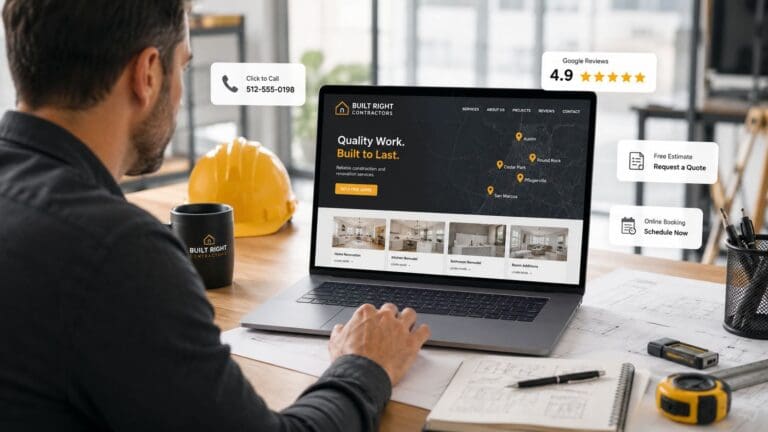
That's why the best website layout for home service businesses is not about style first. It's about structure. It needs to help buyers understand what you do fast, trust you fast, and contact you fast. Squarespace's guide for home service websites recommends a simple structure with pages like Homepage, About, Services, FAQ, Reviews, and Contact, along with clear labels and visible calls to action like “Book now” or “Request a quote” in a home service website structure guide from Squarespace.
That's the website side.
The traffic side is separate. Ads create visibility. The website turns that visibility into calls. Put both together and you've got a system. A Lead Machine.
Below are the layouts that help home service companies get found, earn trust, and turn traffic into jobs.
1. Service-First Hero Layout with Geographic Targeting
If you work in more than one city, your homepage needs to say that right away.
Not buried in the footer. Not hidden on a contact page. Right at the top.
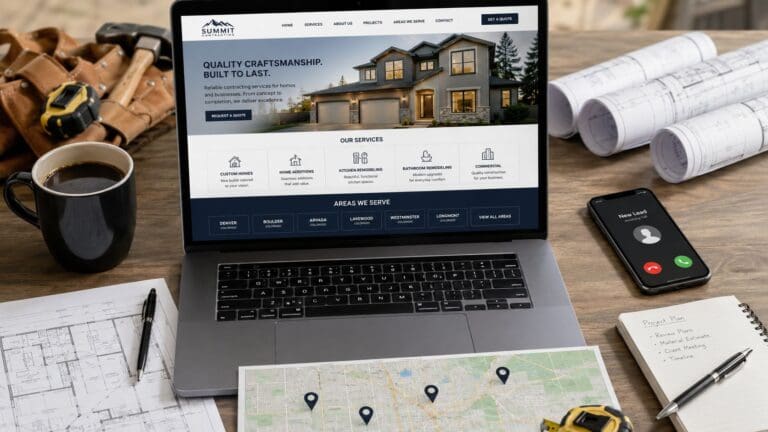
This layout starts with one clear headline about the main service. Then it immediately shows the places you serve. That can be city buttons, a short area list, or a clear map section. A plumbing company might lead with “Fast Plumbing Repair” and then show Newark, Heath, Granville, and Zanesville right under it.
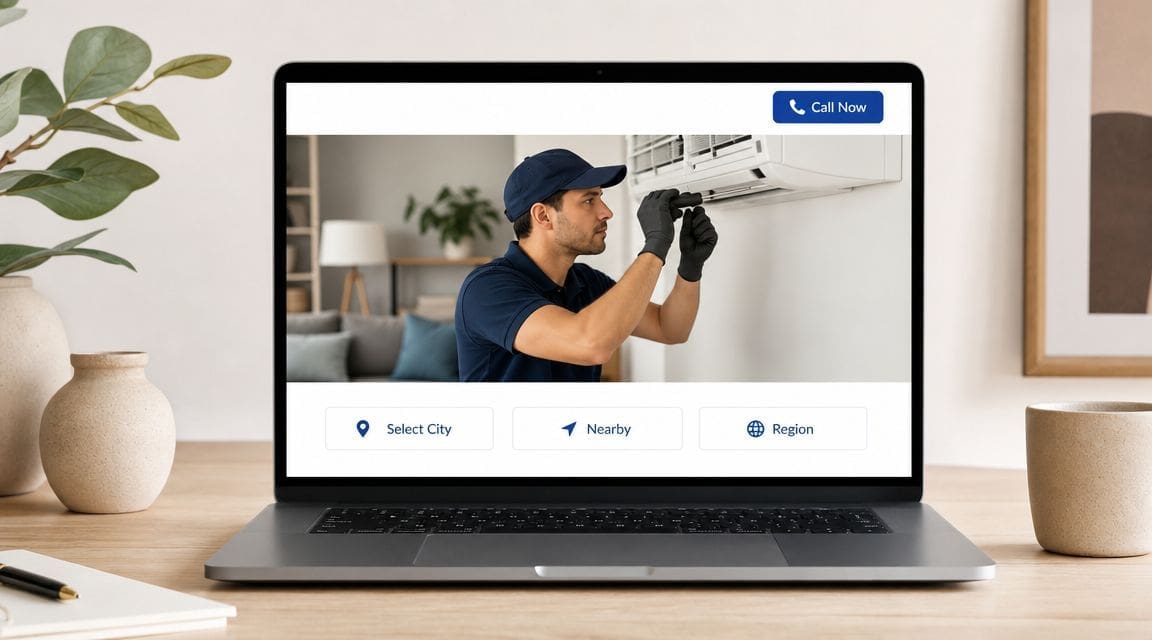
That works because people don't want to guess. They want to know three things fast. Do you do the work I need. Do you work in my area. How do I contact you.
What this layout needs
The homepage should act like a routing page, not a life story. WebFX recommends a layout with top navigation, immediate call action, service area proof, and a simple booking path in its home services website design handbook.
Use that structure like this:
- Lead with one main service: Don't list every service in the hero.
- Show service areas fast: Put your main cities near the top.
- Add a call button: On mobile, this should be impossible to miss.
- Link to city pages: Each city should have its own page.
If you want a better picture of how city pages fit this layout, study this contractor city pages strategy.
Your homepage should answer the job buyer's first question in seconds, not after a long scroll.
This layout is one of the best website layout options for home service businesses that want leads from more than one town. It doesn't just say who you are. It says where you show up.
2. Trust-Building Review & Social Proof Hub Layout
A lot of contractors lose leads before the phone call. The visitor lands on the site, sees no proof, and leaves.
That's why this layout works. It puts trust near the top. Reviews. Before and after photos. Testimonials. Licenses. Certifications. Clear signs that real people hired you and were happy they did.
For home services, this matters fast. First impressions happen in 50 milliseconds, and 94% of those impressions are design-related. That means people are deciding almost instantly whether your business feels legit.

A restoration company can use this layout well. Put storm damage cleanup at the top. Then follow with review snippets, a before and after gallery, and a short section showing what kinds of damage you handle. That calms people down and helps them trust you enough to call.
What to place above the middle of the page
Don't make people hunt for proof. Put it in their path.
- Show review snippets early: Real names and real jobs help.
- Use project photos: Before and after visuals make the work real.
- Add trust badges: Licenses, certifications, and financing options matter.
- Link to a full review page: Give people room to verify.
If your review count is weak, that's a separate problem. Fix it. This guide on how to get Google reviews is relevant because trust is part of conversion, not decoration.
Practical rule: If a stranger lands on your site and can't find proof fast, they'll keep shopping.
This layout doesn't replace visibility. It makes visibility worth paying for. When ads send traffic in, trust is what keeps that traffic from bouncing.
3. Service Menu Grid Layout with Pricing Transparency
Some contractors make their websites too vague. “We do quality work.” Great. What work?
A service grid fixes that. It lays out the main jobs you do in a clean block of service cards. Repair. Install. Replace. Maintain. Inspect. Each one gets a short description and a button to the right page.
This is strong for companies with several service lines. Think heating and cooling, plumbing, electrical, cleaning, restoration, or site work. A septic contractor might use a grid for septic installation, septic repair, excavation, grading, and drainage. A homeowner can scan the page and know right away whether you do what they need.
Keep the choices clean
Too many boxes create confusion. Too few can hide revenue.
Use a tight grid and keep each card useful.
- Use clear labels: Name services the way buyers think about them.
- Write short descriptions: One or two lines is enough.
- Give each card a real destination: Every service needs its own page.
- Use pricing carefully: If pricing varies a lot, use “Request a quote” instead.
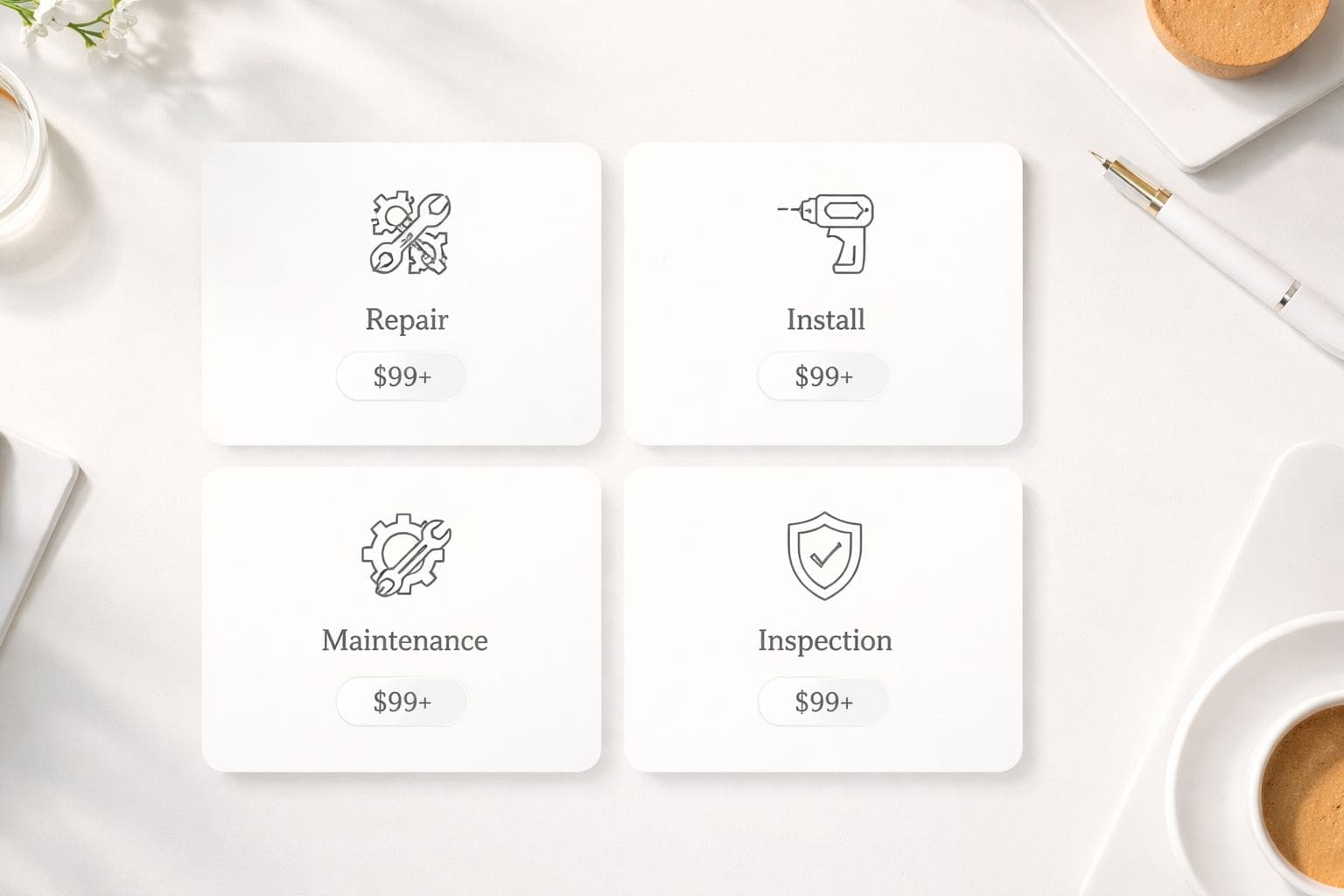
This layout works because it removes guesswork. People don't need a speech. They need a fast way to find their problem and click.
For contractors chasing bigger jobs, this also helps pre-qualify leads. Someone looking for land clearing should land on land clearing. Someone looking for concrete should land on concrete. Better path. Better lead quality.
That's the point of the best website layout for home service businesses. Not more pages for the sake of it. Better paths for real buyers.
4. Local Authority & Service Area Dominance Layout
If you want work outside your hometown, you need more than a city list. You need local proof.
This layout puts your main market front and center, then backs it up with nearby service areas, city-specific trust, and location pages that prove coverage. It works well for contractors trying to build real presence across a region, not just one zip code.
A site-prep contractor might headline one core market, then show the surrounding counties and towns where crews regularly work. Add local testimonials. Add a map. Add clear service area blocks. Suddenly the site doesn't look like a company that “might” go there. It looks like a company that already does.
How to show local authority
ServiceTitan highlights local search optimization, reputation management, lead-capture forms, financing, and chat or online scheduling as key features in a home services website build guide from ServiceTitan.
That supports a layout like this:
- Lead with your core market: Put your main area near the top.
- Show nearby cities clearly: Not as an afterthought.
- Use city-based proof: Reviews and project photos tied to places help.
- Build separate city pages: That's how you expand without guessing.
A concrete or excavation contractor can use this to move into neighboring markets without opening a new office first. The site becomes the proof that you work there. Then ads can push traffic from those places into the right pages.
If you never say you work in a city, don't expect Google to assume it.
That's the visibility gap. Most contractors don't have a lead problem first. They have a visibility problem first.
5. Problem-Solution-Proof Layout with Educational Content Hierarchy
This layout works when the customer is stressed, confused, or afraid of making the wrong call.
That's common in restoration, heating, cooling, plumbing, septic, and emergency repair. The buyer has a problem now. They need to know you understand it, can fix it, and have done it before.
So the page starts with the problem. No fluff. Frozen pipe. No heat. Water in the basement. Septic backup. Then it shows the fix, explains the next step, and backs it up with proof.
The order matters
You don't need long copy. You need the right order.
A good page in this format usually moves like this:
- State the problem: Use the language the customer uses.
- Show the consequence: Make clear why they shouldn't wait.
- Present the solution: Keep it simple and direct.
- Add proof: Reviews, photos, certifications, and job examples.
- Close with action: Call now. Request a quote. Book service.
Nora Kramer Designs recommends service and project pages with detailed scope, timeline, outcomes, testimonials, and certifications in the verified source set above. That fits this layout because people want confidence before they contact you.
This is also where weak sites fall apart. They talk about the company instead of the customer's problem. That kills response.
“We solve this problem every week” is stronger than a long paragraph about your company history.
Use this layout when the buyer needs reassurance and direction. It's one of the best website layout choices for home service businesses that handle urgent, high-stakes work. It builds trust by showing that you understand the mess and already know the fix.
6. Mobile-First, Click-to-Call Optimized Layout
A lot of your best leads are standing in a driveway, basement, utility room, or kitchen with a phone in their hand.
That's why mobile-first is not optional. It's core. The page needs to load fast, read clean, and make calling easy. No pinching. No tiny buttons. No long forms.
WebFX notes that keeping the phone number prominently displayed in the header can improve conversion during peak demand periods, and that mobile-friendly home service sites with click-to-call calls to action are built to convert urgent smartphone searches into booked appointments in its mobile-focused home services website advice.
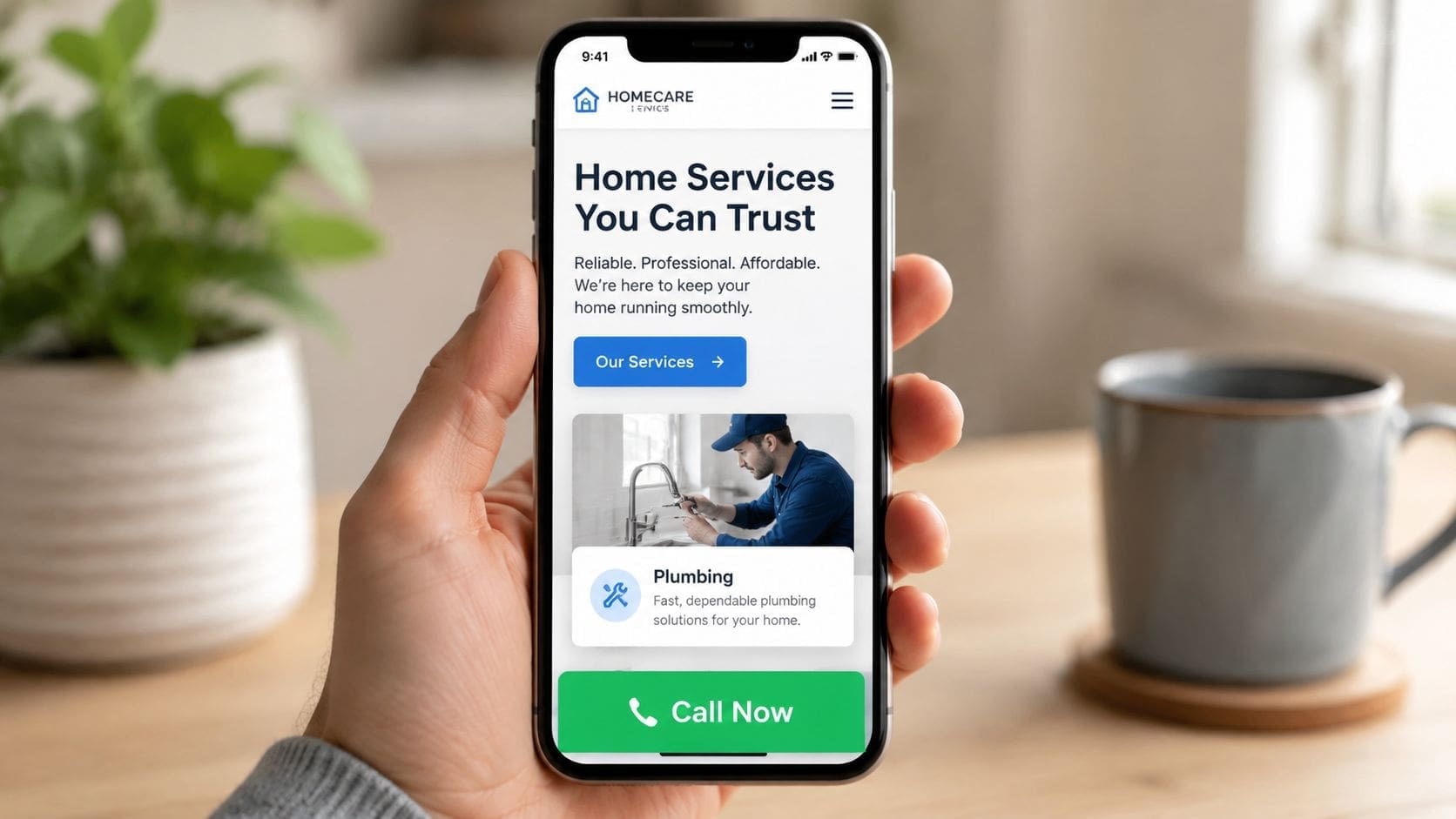
This layout is perfect for emergency work. Plumbing leaks. Broken air conditioning. Flood cleanup. The buyer isn't researching for an hour. They're comparing a few companies and picking the easiest one to contact.
What a strong mobile layout includes
Keep it stripped down and direct.
- Sticky call button: Let them call from any point on the page.
- Short forms: Ask only for the basics.
- Big text and big buttons: Make it easy to use on a real phone.
- Fast paths to service pages: Don't bury the important stuff.
As noted earlier, many buyers want to book online. Your mobile layout should support that without making them work for it.
Also, speed matters. In the verified data, WebFX notes that websites taking more than three seconds to load are likely to lose visitors to competitors. That alone should kill the idea of bloated pages and fancy junk that slows the site down.
This layout doesn't win design awards. It wins calls.
7. Portfolio & Equipment Showcase Layout Visual Authority
Some work needs to be seen.
That's especially true for excavation, grading, land clearing, concrete, restoration, and other project-heavy services. If the buyer is hiring for a larger job, they want proof that you've handled real work before. Not stock photos. Real machines. Real sites. Real results.
This layout is visual first. Big project photos. Equipment shots. Before and after galleries. Team photos. Short project summaries. It helps the visitor say, “These guys do this.”
Show the work, then make it easy to act
Visual proof is not just decoration. It helps buyers judge quality quickly.
The verified data says before-and-after galleries and dedicated service pages help customers evaluate quality quickly. That's why this layout works so well for contractors with larger job sizes or higher-ticket work.
Use it like this:
- Lead with real project images: Skip the fake stock stuff when possible.
- Show equipment clearly: Buyers for heavy work want capability proof.
- Add short captions: Say what the job was and where you did it.
- Pair visuals with trust: Reviews and contact buttons should sit nearby.
A concrete contractor can show driveways, pads, sidewalks, and commercial pours. An excavation company can show trenching, site prep, pond digging, and land clearing. A restoration company can show damaged spaces next to finished repairs.
The mistake is stopping at visuals. Don't do that. Every gallery should point to action. Request an estimate. Call now. View the related service page.
That's how this stays part of a lead system instead of turning into an online photo album.
8. Service Area Expansion & Growth-Focused Layout
If you're trying to grow into more counties or cities, your site can't act like a one-town business.
This layout is built for expansion. The homepage acts like a central hub. From there, visitors can move to service pages and city pages built for the places you want more work from. It helps you stop relying on whatever random jobs come in and start pushing toward target markets.
A contractor doing septic, excavation, or restoration across several counties can use this layout to organize growth. Main service categories stay clean. City and county pathways stay obvious. The structure supports scale.
This layout supports a system
WebFX recommends dedicated location pages, and Squarespace stresses service and location-specific terms for local visibility in the verified data. That's the backbone here.
The homepage should not try to do all the work. It should guide people into the right local page fast.
- Use the homepage as a hub: Broad message up top, local paths below.
- Create city pages for target markets: Not just your office town.
- Match services to places: Service plus city is how buyers search.
- Keep the next step obvious: Call, quote, or booking should stay visible.
Websites don't create demand; they catch it when it shows up. Ads help create visibility. The site must be ready when that traffic lands.
Bottom line: If you want to grow into new markets, your website layout has to be built for territory, not vanity.
That's why this is one of the best website layout options for home service businesses with real growth plans. It's not about looking bigger. It's about showing up where the jobs are.
Top 8 Website Layouts for Home Service Businesses
| Layout | Implementation Complexity 🔄 | Resource Requirements ⚡ | Expected Outcomes 📊 | Ideal Use Cases 💡 | Key Advantages ⭐ |
|---|---|---|---|---|---|
| Service-First Hero Layout with Geographic Targeting | Medium, city pages + selector management 🔄 | Moderate, content, maps, local pages ⚡ | Improved local SEO, lower bounce, more calls 📊 ⭐ | Multi-city contractors (HVAC, plumbing, restoration) 💡 | Clear service + location focus; immediate contact CTA ⭐ |
| Trust-Building Review & Social Proof Hub Layout | Low–Medium, review widgets & media integrations 🔄 | Ongoing, review management, video production ⚡ | Strong credibility and higher conversion rates 📊 ⭐ | Companies with many reviews or dramatic before/afters 💡 | Fast trust signals; social proof drives decisions ⭐ |
| Service Menu Grid Layout with Pricing Transparency | Low, grid and card system, straightforward 🔄 | Low–Moderate, icons, pricing content, updates ⚡ | Faster decisions, more qualified leads, better CTRs 📊 ⭐ | Multi-service contractors with stable pricing 💡 | Scannable offerings; reduces friction; clear CTAs ⭐ |
| Local Authority & Service Area Dominance Layout | Medium–High, many market pages and map setup 🔄 | High, city-specific content, SEO, map integration ⚡ | Strong local rankings and perceived authority 📊 ⭐ | Regional contractors expanding across cities/counties 💡 | Establishes local dominance; improves Maps visibility ⭐ |
| Problem-Solution-Proof Layout with Educational Content Hierarchy | Medium, structured narrative and case studies 🔄 | Moderate–High, copywriting, case studies, content upkeep ⚡ | Higher engagement, fewer objections, qualified leads 📊 ⭐ | Emergency/high-stakes services; high-value projects 💡 | Emotional resonance + detailed proof to convert skeptics ⭐ |
| Mobile-First, Click-to-Call Optimized Layout | Low–Medium, mobile UX and sticky CTA design 🔄 | Low, optimization, testing, simplified forms ⚡ | Increased mobile call conversions and faster contacts 📊 ⭐ | Emergency services and mobile-dominant lead sources 💡 | Maximizes phone conversions; fast, low-friction UX ⭐ |
| Portfolio & Equipment Showcase Layout (Visual Authority) | Medium, galleries, sliders, filtering systems 🔄 | High, pro photography/video, media optimization ⚡ | Attracts commercial/high-value clients; supports premium pricing 📊 ⭐ | Site-prep, heavy-equipment contractors, municipal bids 💡 | Visual proof of capability; differentiates on scale & professionalism ⭐ |
| Service Area Expansion & Growth-Focused Layout | High, scalable city templates and expansion workflows 🔄 | Very High, content, local SEO, regional coordination ⚡ | Scalable multi-market visibility and territorial growth 📊 ⭐ | Aggressive growth contractors targeting 50–100+ markets 💡 | Central hub for expansion; scalable local SEO and market messaging ⭐ |
Stop Guessing. Start Controlling Your Leads.
A website layout is not just design.
It's a working part of your lead system. If the layout is wrong, the traffic leaks out. If the layout is right, more of that traffic turns into calls, quote requests, and booked jobs.
That's the part many contractors miss. They think a website should go out and get leads on its own. It won't. It just sits there until something sends traffic to it. That's why so many contractor websites feel dead. They were built like brochures, not lead systems.
The right layout fixes the conversion side. It gives buyers a fast path. Clear service message. Clear cities served. Clear trust. Clear action. For home service companies, that matters because many searches are local and urgent, and buyers want to understand the company quickly, see proof, and know exactly how to call or request pricing, as noted in the earlier verified guidance.
Then you need fuel.
Ads create visibility. They put you in front of people searching right now. They push traffic into the right service pages and city pages. Without that traffic, even a good site sits quiet. Without a strong layout, ads waste money.
That's why the best website layout for home service businesses only makes sense when you look at the full system.
A Lead Machine is that system.
It's a website built to turn visibility into calls. Not a pretty online brochure. Not a vague branding project. A lead-focused asset with service pages, city pages, trust signals, mobile speed, click-to-call action, and simple forms. Then it gets paired with ads that drive local buyers into it.
That's how you stop relying on hope.
That's how you stop waiting on word of mouth.
That's how you stop losing jobs in towns where you already do work, but never show up online.
If you want control, you need visibility. If you want visibility to pay off, you need a website layout built for conversion. Those two pieces belong together.
The Cherubini Company is one company in this space that says it builds Lead Machines for contractors and service businesses, along with advertising built around visibility and lead generation. That model fits this topic because the website and the traffic source are supposed to work together.
You think customers can find you.
But if customers don't find you, nothing else matters.
Lead Machines are built to fix that.
If you're tired of guessing and want a website built to bring in calls instead of collect dust, talk to The Cherubini Company. They build Lead Machines for contractors and service businesses that need more visibility, more leads, and a clearer path to growth.